
DeskAngel
Powerful desktop enhancement tool for Windows
Simple, portable, and totally free

Features
System Features
- Lock windows - Hotkey: Win+L
- Turn off monitor - Default: Win+Alt+O
- Hibernate Windows - Default: Win+Alt+H
- Simulate Win Key - Use F6
Windows Enhancement
- Directly scroll - Scroll documents under cursor without activating
- Auto scroll - Press & rotate wheel button
- Toggle topmost - Right click on title bar
- Roll up windows - Double click on title bar
- Toggle move mode - Right click bottom border
- Close window - Right Alt + double click title bar
- Maximize/Restore - Middle button click
Visual Effects
- Edge snap - Like Windows 7 Aero Snap
- Adjust transparency - Ctrl+Alt + scroll wheel
- Show icon only on taskbar
- Change cursor style while moving windows
- Hide cursor while typing
- Move taskbar buttons (Windows Vista)
Misc Features
- Screen clipping - Draw rectangle screenshots
- Translate gestures - Left press + right click → Alt+right click
- Auto close specified windows
- Auto connect & login to remote PCs in LAN
- Display window information - Right click on window
- Disable IME for specified windows
- Convert file paths in clipboard
Screenshots

About Dialog
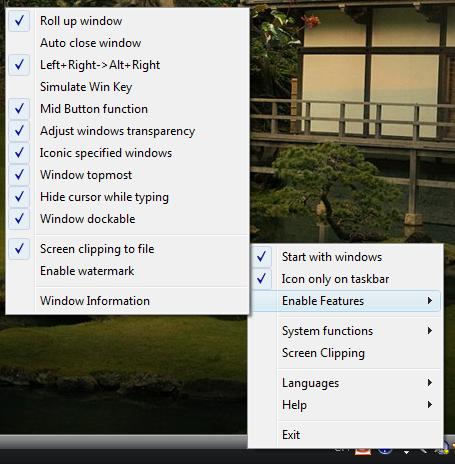
Main Menu

Rolling Up Windows
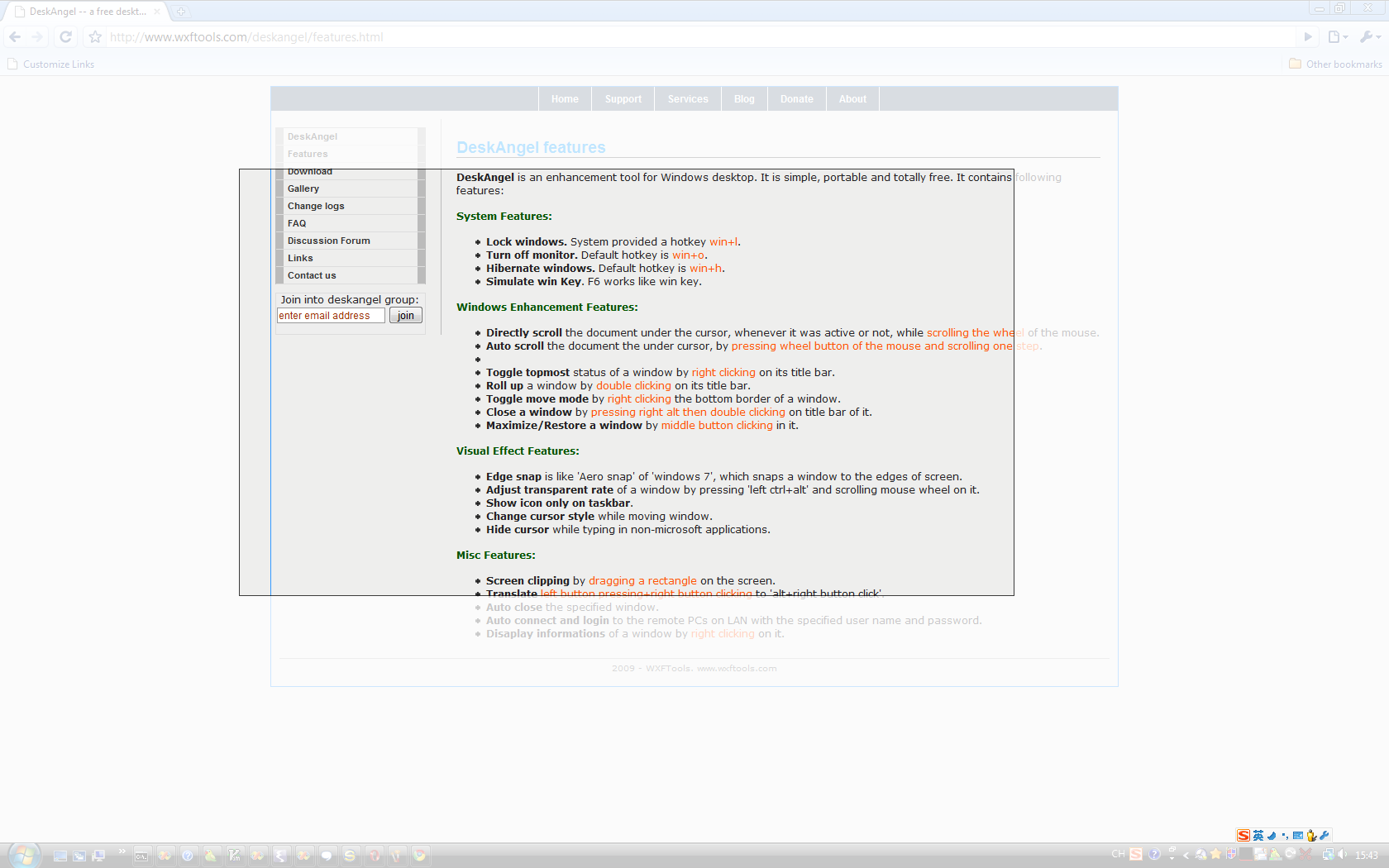
Screen Clipping
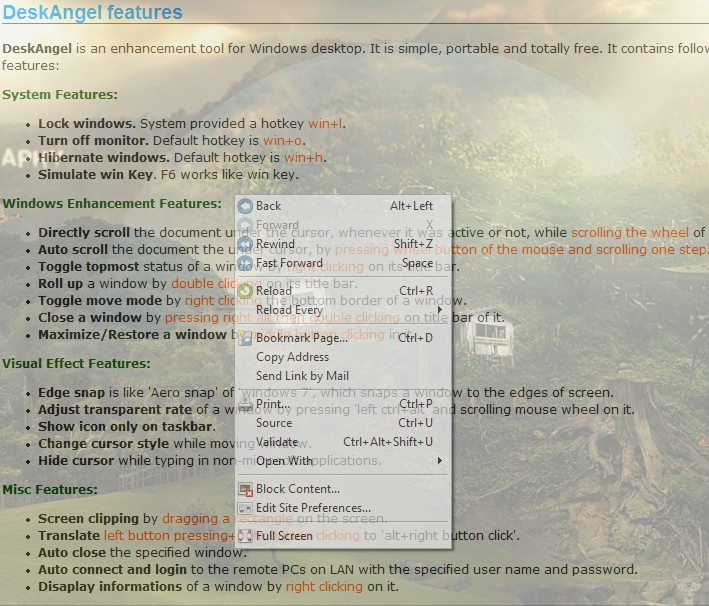
Translucent Windows

Iconic Windows
Download
Latest Version
DeskAngel v2.2.5.1
Portable version - No installation required
Changelog
v2.2.5.1
- Changed the default hibernate hotkey to win+alt+h (avoid conflict in Win10)
- Changed the default turn off monitor hotkey to win+alt+o (avoid conflict in Win10)
- Added hotaction for roll up windows feature
v2.2.4.1
- Fix potential crash when creating thread for auto scrolling
- Fix dock mode issue for multiple screens
- Fix crash while auto scrolling on tooltip in process explorer
- Fix a bug about exception list
- Add temporarily disabled 'directly scroll' feature while pressing control key
v2.2.3.1
- Enable exception list for direct-scroll feature
v2.2.2.82
- Fix capture screen issue in dual view mode
- Fix WM_RBUTTONUP message lost issue in Opera after triggered Lingoes